


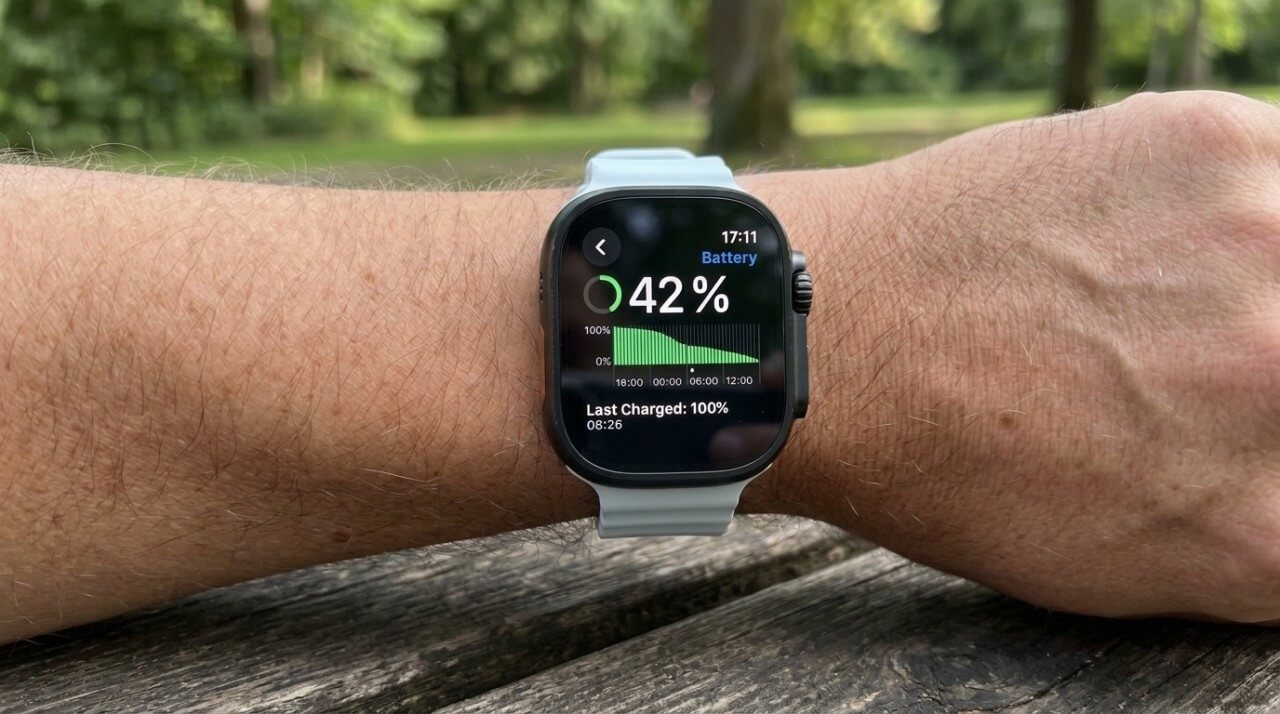
I’ve worn a Huawei GT watch for years, and I admit I’ve gotten spoiled by its battery life. I charge it, use it for several days, and usually forget about the charger. Apple Watch offers plenty of features I find interesting, but I’ve never liked the idea of having to charge a watch almost every night.
An Apple Watch can remain useful for five to seven years, although it may need battery service along the way. Battery health and software support are the two main factors behind the question how long do Apple Watches last. Apple designs its watch batteries to retain up to 80% capacity after 1,000 complete charge cycles. Meanwhile, watchOS 27, released September 14, 2026, dropped support for several models introduced in 2022.
At what point does an older watch become expensive to maintain, and when is replacing the battery a better option than buying a new one?
How Many Years Does 1,000 Battery Cycles Represent?
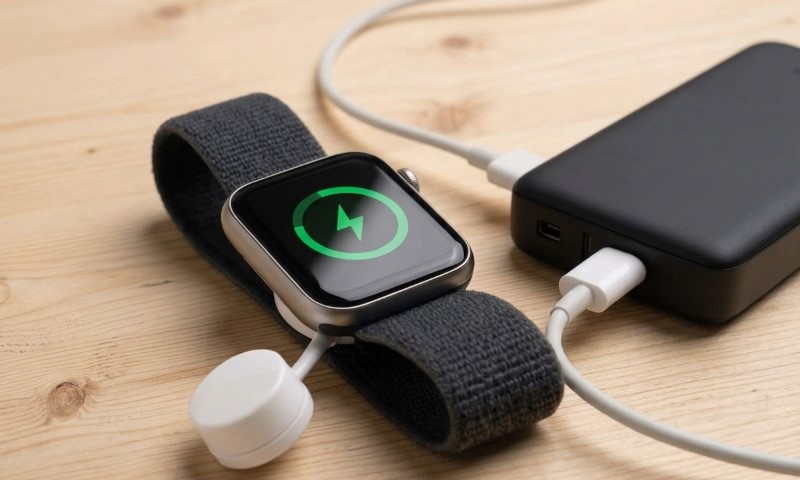
Apple says its watch batteries are designed to retain up to 80% of their original capacity after 1,000 complete charge cycles, according to its official battery specifications.
A complete cycle means a total discharge equal to 100% of battery capacity. Use 60% today and another 40% tomorrow, and you’ve completed approximately one cycle.
I calculated how Apple’s figure translates into years at different rates of daily use:
- One cycle per day: Approximately 2.7 years.
- Three-quarters of a cycle daily: Approximately 3.7 years.
- Half a cycle per day: Approximately 5.5 years.
Those figures measure the time needed to reach 1,000 cycles. Batteries also deteriorate with age and exposure to heat, even during periods of little use.
The common search how long does Apple Watch last often comes down to daily power consumption. Frequent GPS workouts and cellular use can increase the number of cycles accumulated each year.
Apple’s Optimized Battery Charging feature helps reduce wear by limiting the time the battery spends fully charged. I appreciate features like that because they can help preserve the hardware people already own.
When Battery Wear Starts Affecting Performance
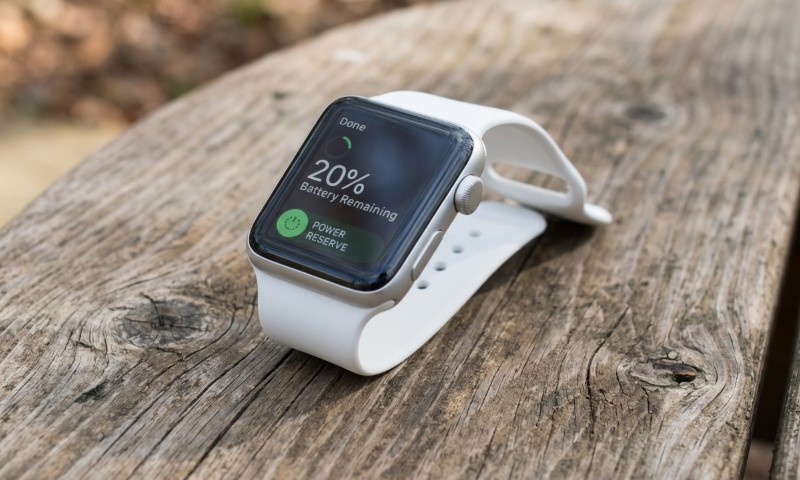
Imagine your Apple Watch used to last all day, but now needs a charge before dinner. Longer GPS workouts have become difficult, and you frequently check the battery percentage.
I’d start with Battery Health.
On your watch, open Settings → Battery → Battery Health → Maximum Capacity. Apple’s battery health instructions explain that the percentage compares current capacity with the battery’s original capacity.
A watch at 80% can store roughly four-fifths of its original energy. But battery wear can affect more than runtime.
According to Apple’s technical explanation, chemical age increases a battery’s internal impedance. When the processor demands more power, the battery may struggle to maintain sufficient voltage.
The system can respond with temporary performance adjustments, including slower app launches, reduced display brightness, or unavailable heart-rate data during workouts.
For me, how long do Apple Watches last is also about the point when battery wear starts to interfere with the features I use every day.
What About Sudden Battery Drain After an Update?
Apple notes that background processes can temporarily increase battery consumption after a watchOS update. Its advice is to allow a few days before evaluating the results.
I’d also check cellular use and location-intensive apps. If battery life remains poor and Maximum Capacity shows significant deterioration, I’d request a service assessment.
There’s a reason searches for how long does Apple Watch last often follow a sudden drop in battery life. The cause, however, may be software rather than a worn battery.
Is a $99 Battery Service Worth the Money?
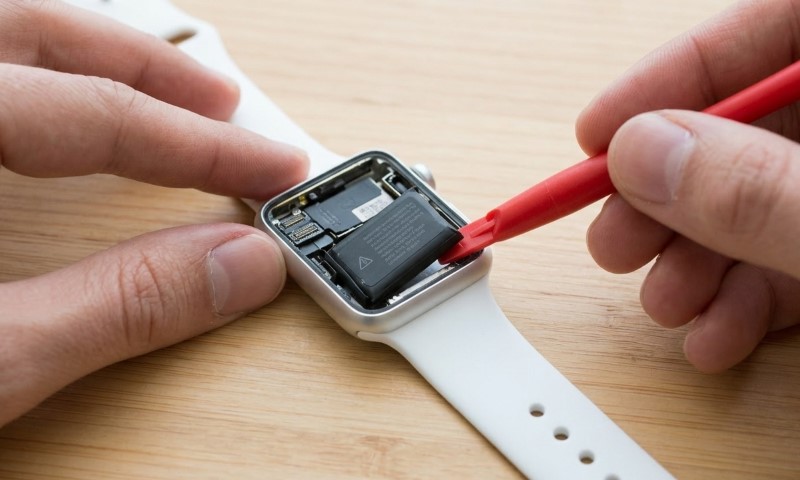
In the United States, battery service for most supported Apple Watch models typically costs around $99, according to iFixit’s service price comparison. MacRumors confirmed that price for Series 12 in September 2026.
Apple’s official repair page provides model-specific estimates. Final charges can vary due to the device’s condition, taxes, or additional service fees.
For context, Apple’s current U.S. starting prices are $249 for the Apple Watch SE 3 and $399 for Series 12.
A $99 battery service represents approximately 40% of a new SE 3’s starting price and 25% of a Series 12’s price.
That comparison adds a financial side to how long do Apple Watches last. Keeping an older watch useful makes more sense when the repair costs substantially less than a replacement.
Consider a Series 9 with 77% battery capacity, an undamaged display, and full support for watchOS 27. I’d request a battery service estimate before considering a replacement.
A Series 6 with an exhausted battery and serious screen damage presents a different financial decision. Repairing the battery would leave its other problems unresolved.
AppleCare+ can also cover battery service at no additional charge when capacity falls below 80%, subject to the plan’s terms.
watchOS 27 Ended Major Updates for Some Four-Year-Old Watches
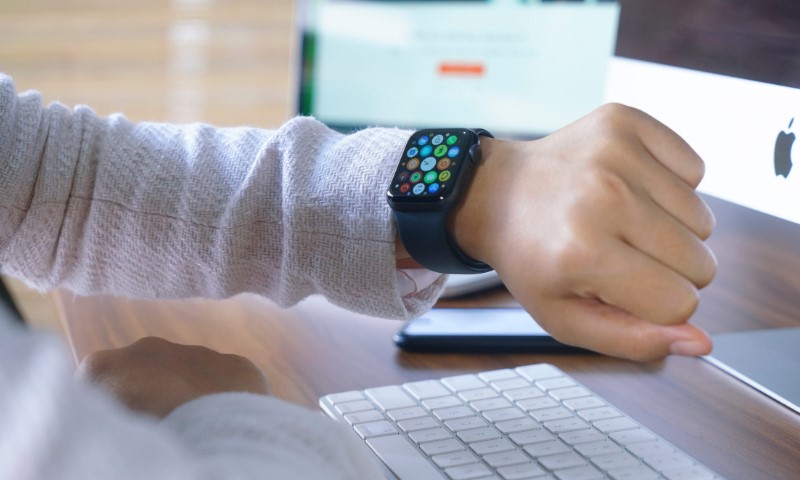
The original Apple Watch Ultra surprised me most when I checked the compatibility list.
Apple introduced it in September 2022 for a starting price of $799. Four years later, it has reached its final major watchOS generation.
According to Apple’s watchOS 27 compatibility list, supported models include Series 9 through Series 12, SE 3, and Ultra 2 through Ultra 4. Installation also requires a compatible iPhone with iOS 27.
Series 6, Series 7, Series 8, the original Ultra, and SE 2 remain on watchOS 26.
Owners of expensive older models have another reason to wonder how long does Apple Watch last. Their hardware may still perform its intended tasks despite the loss of major upgrades.
Software support needs one important distinction, though. Apple can continue to issue security patches for older watchOS versions after major upgrades end. The company has not promised a specific final security-support date for every model.
I’d therefore check the software requirements of essential apps before deciding that an older watch needs replacement.
What Would I Do With a Four- or Five-Year-Old Apple Watch?
Battery endurance matters to me because I’ve gotten used to the way my Huawei GT handles workouts and everyday use. I’d judge an older Apple Watch by the same standard: can it still do what I bought it to do?
For a practical example, consider two hypothetical owners.
The first has a Series 9 with a weak battery but no hardware damage. The watch supports watchOS 27, and all essential apps work. I’d recommend a battery assessment and compare the service quote with the price of a new model.
The second owns an original Ultra. Its battery remains healthy, and existing apps work properly. I’d keep it for now, with particular attention to security updates and future app requirements.
The decision becomes more complicated when newer safety features matter. I’ve previously examined Pixel Watch emergency features that can initiate a call after certain serious events. Such capabilities depend on specific hardware and software requirements.
The question how long does Apple Watch last also depends on which functions the owner expects to use over the next few years. An owner interested mainly in activity data may have different priorities than someone who needs newer health or emergency features.
For me, buying another watch makes sense when the existing model starts to limit its everyday purpose.
Final Thoughts
Five to seven years is the lifespan I’d aim for with proper care and a possible battery replacement. It’s an estimate based on expected usefulness, rather than an Apple guarantee.
So, how long do Apple Watches last? The answer ultimately depends on the model’s current support status and the cost of keeping it useful.
Apple has made impressive progress with smartwatch technology. I’d like to see equally strong attention given to longer software support for existing devices.
When Apple introduces its next Watch, I’ll probably read the specifications again.
I just hope the older models get a few more useful years along the way.