

They track us everywhere, they listen to everything! Conspiracy theory? It happens to me that when I talk about a certain topic with friends, it shows up on Instagram the very same day, and I assume it happens to you too.
A few days ago, I wrote about Texas’s dispute with major smart TV manufacturers over Automatic Content Recognition technology. Back then, I spent more time with court documents than with the remote control. This time, I decided to tell you where you can actually turn that thing off.
If you have a smart TV, ACR can recognize the content you watch and record data related to your viewing history. Fortunately, the feature can be turned off. The problem is that manufacturers use different names for it, so Samsung has Viewing Information Services, LG has Viewing Information Agreement, and Roku places ACR under Smart TV Experience.
With Samsung, Pay Attention to Viewing Information Services
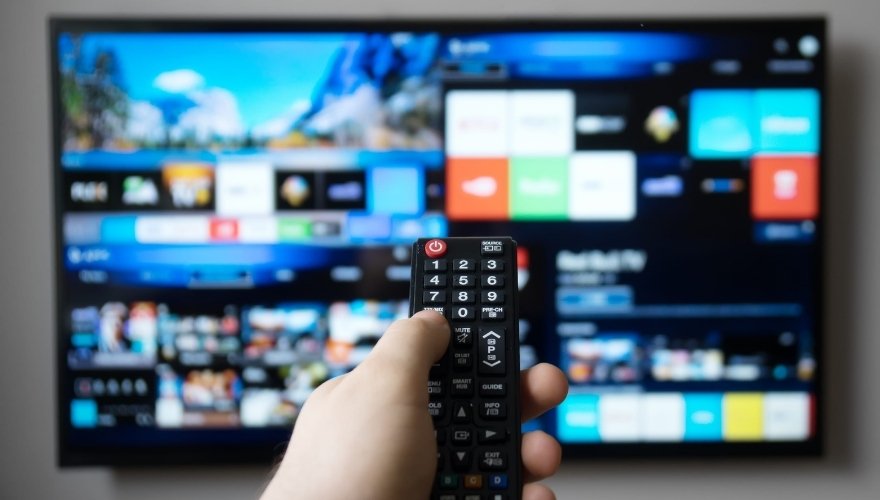
The company says that the feature is optional and is activated after the user gives consent.
On the TV, open Settings, then go to the privacy settings section or the Terms & Privacy menu. Find Viewing Information Services there and withdraw your consent.
Samsung models and software versions may have a different settings layout, but Samsung’s ACR documentation specifically links Viewing Information Services to the collection of viewing history data.
If you accept several agreements at once during the initial TV setup, go back to that screen later and check each choice separately.
LG Separates ACR From Personalized Ads
On LG TVs, first open:
Settings > Privacy & Terms > User Agreements
ACR depends on the Viewing Information Agreement option. By withdrawing that consent, you can turn the feature off.
There is a detail here that I like because it clearly shows that different privacy options do not serve the same purpose. LG lists the Viewing Information Agreement separately from consent for personalized ads, which means that changing the ACR setting represents only one part of a privacy check.
LG also says that basic smart TV functions continue to work without the optional agreements related to viewing data.
Roku at Least Calls the Feature ACR
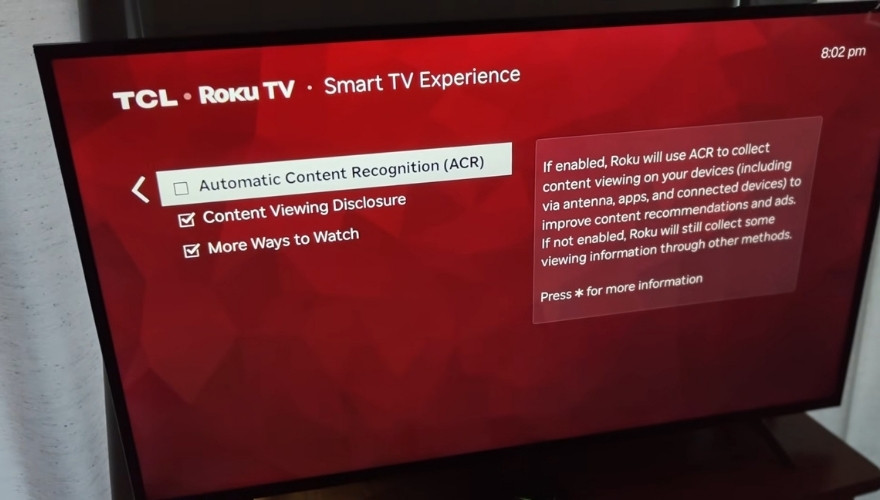
Roku saves me a little time here because its current menu actually uses the name Automatic Content Recognition.
Open:
Settings > Privacy > Smart TV Experience
Then find Automatic Content Recognition (ACR) and turn the option off.
If you’re using a Roku TV, this step-by-step guide shows you exactly where to find the ACR settings, how to turn off tracking, and how to limit personalized ads.
So, the change applies to future data collection.
Sony Hides the ACR Feature Behind a Completely Different Name
If you have a certain Sony BRAVIA model, you may not see the term ACR at all.
Sony has used Samba Interactive TV on supported TVs. According to Sony’s instructions, Android TV models may have the option inside the System Preferences section of the settings.
Settings > System Preferences > Samba Interactive TV
Then select Disable or Off.
A name like that is exactly why I decided to write a second article about ACR. If I saw “Samba Interactive TV” for the first time without any additional context, I would hardly conclude right away that the option had anything to do with viewing history data.
Sony says that turning off the Samba Interactive TV feature stops further collection of viewing history through that service.
Hisense Also Depends on the System Your TV Uses
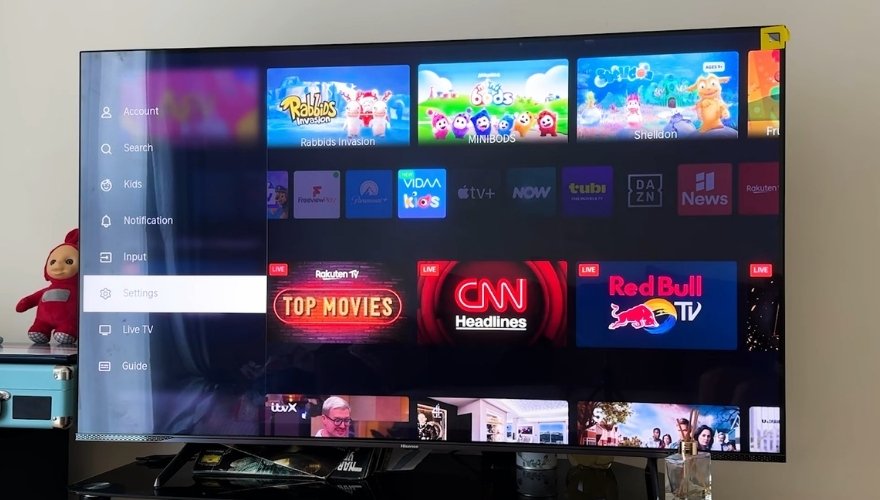
Hisense is a little more complicated because the company sells TVs with different software platforms.
On models that have a direct Hisense ACR control, the option may appear under the name Automatic Content Recognition in the advanced system settings.
In its privacy documentation, Hisense describes ACR that analyzes audio from content on the screen after the user gives consent. That may include content from connected media devices and consoles.
On Hisense TVs with the Roku platform, use the Roku path from the previous section. Other operating systems may have a different menu layout, so the model number is especially useful here.
Turning Off ACR Does Not Turn Off Tracking Inside Netflix or YouTube
Netflix and other apps have their own accounts and their own rules about the data they collect while you use them.
Because of that, after checking the ACR setting, I would also review the ad personalization option. On a TV with a microphone, check the voice privacy settings as well.
What Do I Think About All of This?
The technology itself does not particularly bother me when the user knows exactly what they are agreeing to and can easily change their decision. Personally, I do not care that much whether this option is on or off, but I can understand why a lot of people get concerned when ACR comes up.
If you have been using your smart TV for a few years, open the privacy menu once and check what you agreed to during the initial setup. You were probably thinking more about your Wi-Fi password and Netflix account at the time than about ACR.