

I’m a classic millennial. If it were entirely up to me, I would probably still have a computer somewhere running Windows XP, with the old Start menu and that blue wallpaper I could probably recognize from across the room. Windows XP was one of those systems you could turn on and immediately know where everything was. After that, I accepted newer versions because a computer still has to keep up with the software I use.
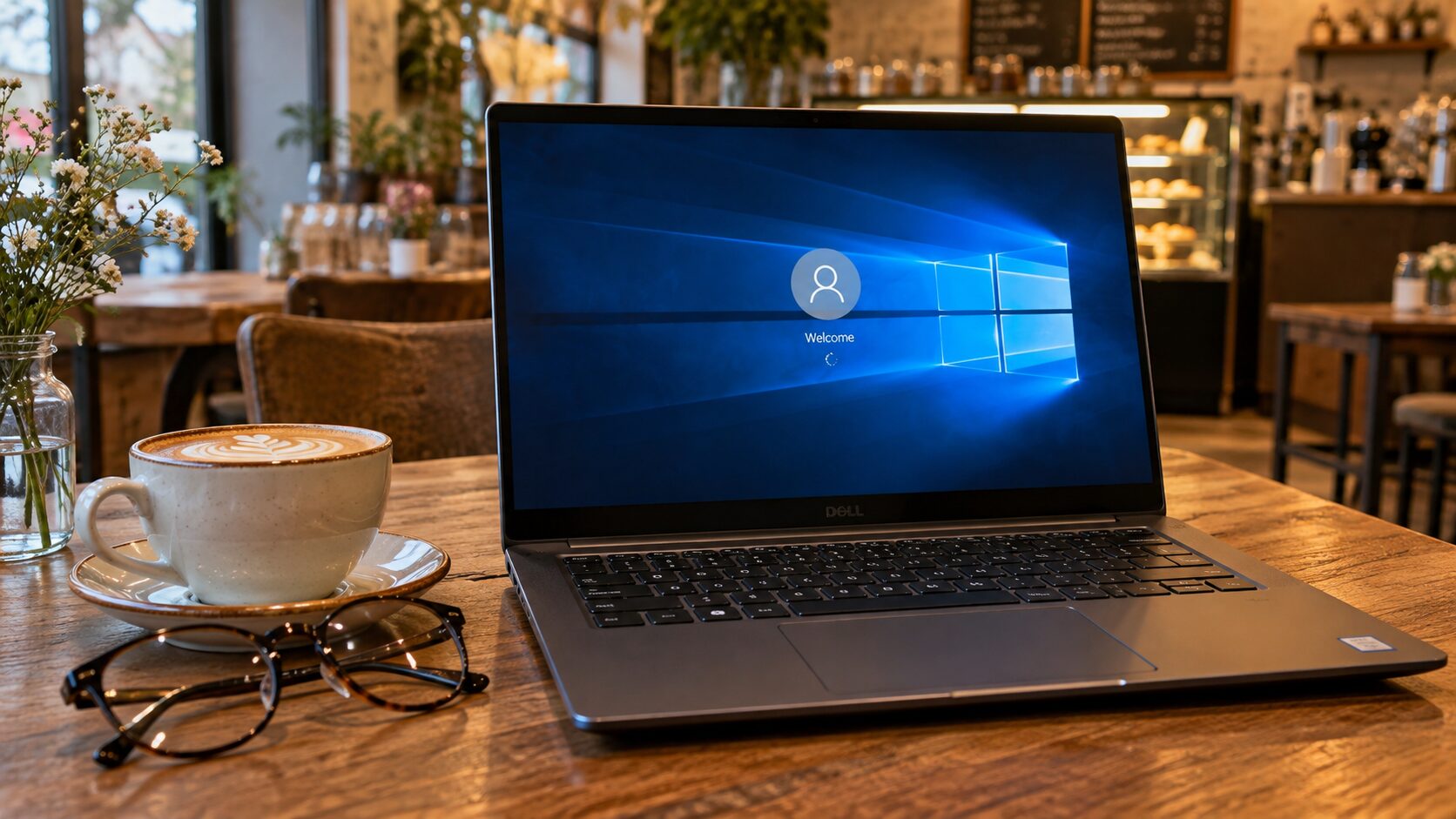
If you are still using Windows 10, like I currently am, you just got more time. Microsoft extended the Consumer Extended Security Updates program through October 12, 2027, so enrolled home PCs can continue receiving important security fixes for two years after the original end of support. Regular Windows 10 support ended on October 14, 2025, so we are talking about an ESU extension, not a return to full support.
First of all, I have to share this with you, my dear readers!
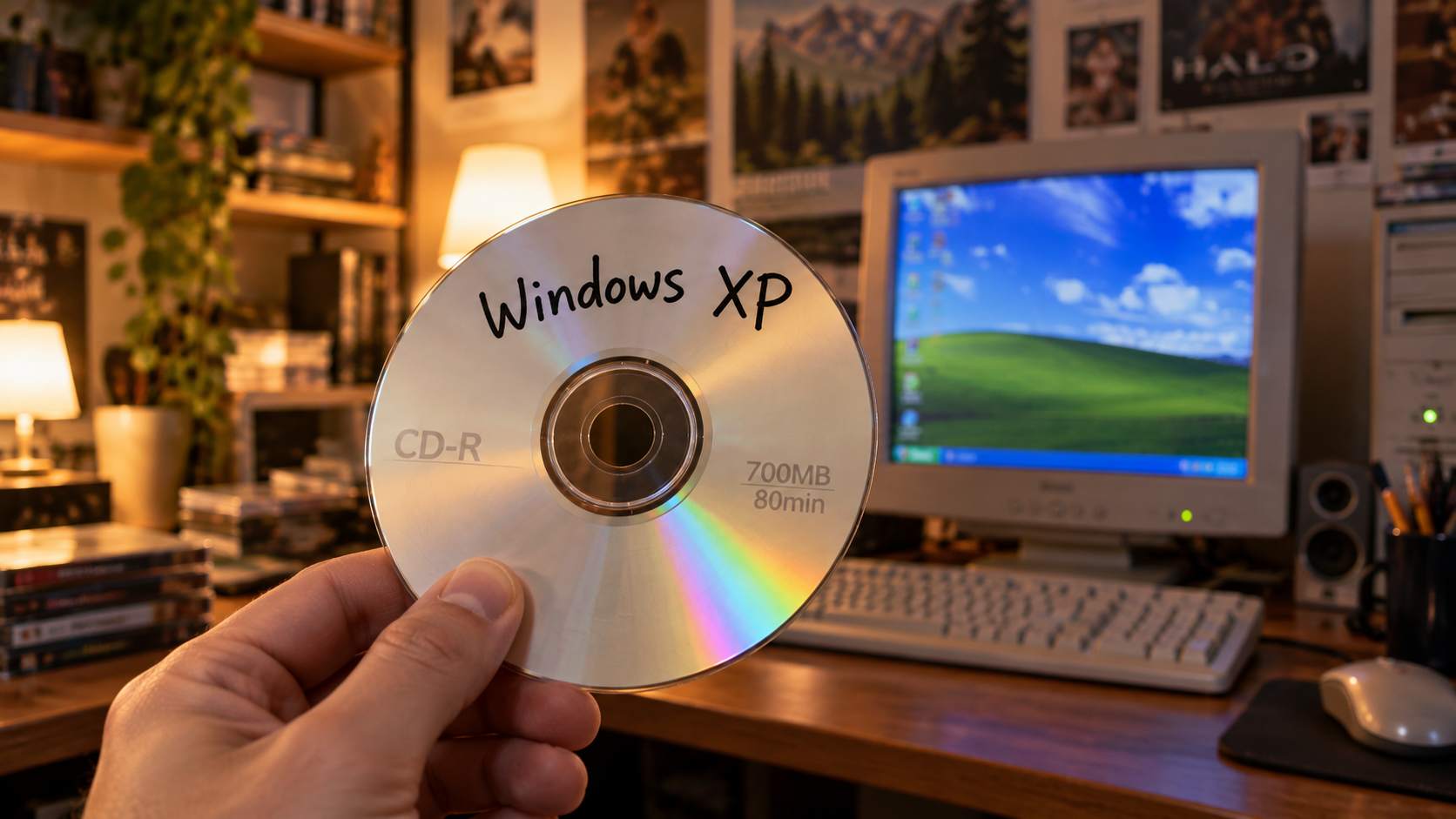
My old millennial reflex still somehow connects every new Windows decision with Bill Gates. The man has not run Microsoft for a very long time, so I know I am unfairly dragging him into the story. Still, when a company tells me that a computer that works perfectly well needs a new operating system, and sometimes new hardware too, my wallet is the first thing to join the discussion.
I appreciate new technology. Faster processors and genuinely useful innovations deserve attention. But innovation should give people a good reason to upgrade, rather than make them feel that perfectly capable hardware has suddenly become obsolete.
That is why this extension genuinely makes me happy. Two extra years of security patches can mean two more years of life for a computer that still does its job perfectly well.
Do you feel the same way I do?
Windows 10 Is Already Older Than It Feels
Windows 10 arrived on July 29, 2015. Microsoft offered it at the time as a free upgrade for a large number of Windows 7 and Windows 8.1 users, and the system immediately became a central part of the idea that Windows would receive regular updates throughout its life cycle.
I remember that period pretty well. Windows 8 never completely won me over, so the return of a more familiar Start menu was enough for Windows 10 to immediately get a chance.
Over the following years, it received a whole series of major versions. The last one became 22H2, released in 2022, and Microsoft later confirmed that it would be the final major version of Windows 10.
That is where the real problem started for owners of older computers.
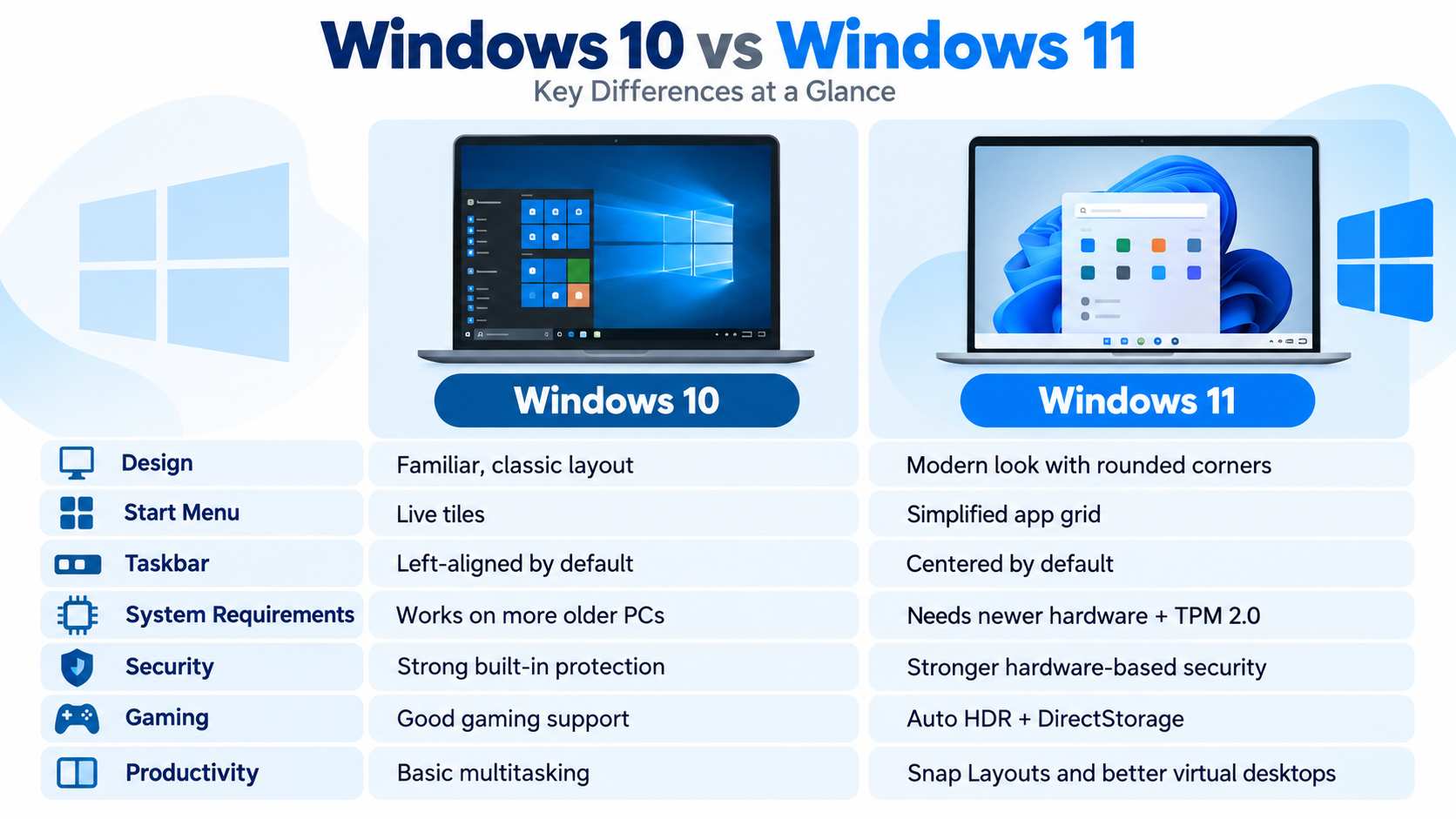
Windows 11 arrived in 2021 with stricter hardware requirements. A large number of perfectly usable Windows 10 PCs suddenly found themselves outside the official upgrade path because of their processors or TPM 2.0 requirements.
Why Did Microsoft Extend the Deadline?
Microsoft described the extension as additional time that helps users move to a Windows 11 PC. That is the official reason, and it makes sense.
There is also a very obvious market side to the story.
Windows 10 remained on a huge number of computers even after regular support ended, and many of them still work perfectly well. Some do not have a supported processor for Windows 11. On others, TPM 2.0 is the problem.
Windows Central also connected the extension to higher computer hardware prices, especially memory. If a new PC becomes more expensive, the pressure on the owner of an old Windows 10 machine becomes even more unpleasant.
From a security standpoint, Microsoft also has a serious argument. An operating system that still receives patches is a much better foundation for an internet-connected computer than one that no longer gets them.
What Do We Actually Get by Moving to Windows 11?
I have to admit that I never felt Windows 11 brought the kind of change I once felt when moving from Windows XP to Windows 7, or from Windows 8 to Windows 10.
File Explorer has tabs, which I use much more than I expected, while Snap Layouts give you better control when working with multiple windows, especially on a larger monitor.
Windows 11 also has a stricter security foundation. TPM 2.0 and Secure Boot are part of the minimum requirements, so Microsoft can rely on certain hardware security capabilities on officially supported computers.
The new system got a more modern Start menu and a newer File Explorer. Microsoft has also been adding more and more AI features in recent versions, while the Copilot+ PC category goes even further with dedicated NPU hardware.
Did that make my old computer useless overnight? Of course not.
For someone who uses Chrome, Office, or a few traditional desktop programs, the difference in everyday use can be much smaller than the version number suggests.
For me, the most important reason to upgrade is much simpler. Windows 11 continues to receive full support.
How Much More Hardware Does Windows 11 Expect From Your Computer?
Now we get to the part that caused problems for a large number of Windows 10 users.
Windows 10 could run perfectly well on hardware that Windows 11 no longer officially accepts. The newer version requires a compatible 64-bit processor with at least two cores and TPM 2.0.
Here, I made this table for you. I hope you find it useful:
| Requirement | Windows 10 | Windows 11 | What It Means for an Older Computer |
| Processor | 1 GHz or faster | 1 GHz or faster, at least 2 cores, supported 64-bit CPU | An older processor can be fast enough for everyday use and still fall outside the official list |
| RAM | 2 GB for the 64-bit version | 4 GB | A large number of Windows 10 computers already have more than both minimums |
| Storage | 32 GB for newer Windows 10 versions | 64 GB | Rarely the main problem on desktop computers |
| TPM | TPM 2.0 was not a general requirement | TPM 2.0 required | A common reason why an older computer does not have official Windows 11 support |
Caption: Microsoft’s minimum Windows 11 requirements show that the biggest obstacle for many older computers comes from security and CPU requirements, not from the amount of RAM itself.
I’m Still Happy Because My Windows XP Brain Gets Two More Years
Microsoft definitely wants users to end up on Windows 11, and the company says that very openly. I am fine with the fact that the transition period is now longer.
If you already have a computer that gets the job done every day, enroll it in ESU and keep up with the security patches. Windows 11 will wait for you.
And if Microsoft comes up with a reason by 2027 that actually makes me want the new version, I will be the first to admit that my inner Windows XP user finally has to give in.